Fast Contractor Website: Why Beautiful Isn't Enough (and Fast Isn't Either)
Homeowners judge your company by your website in seconds. It has to look trustworthy and load fast on a phone. Here's what each means, a checklist, and how to test yours for free.
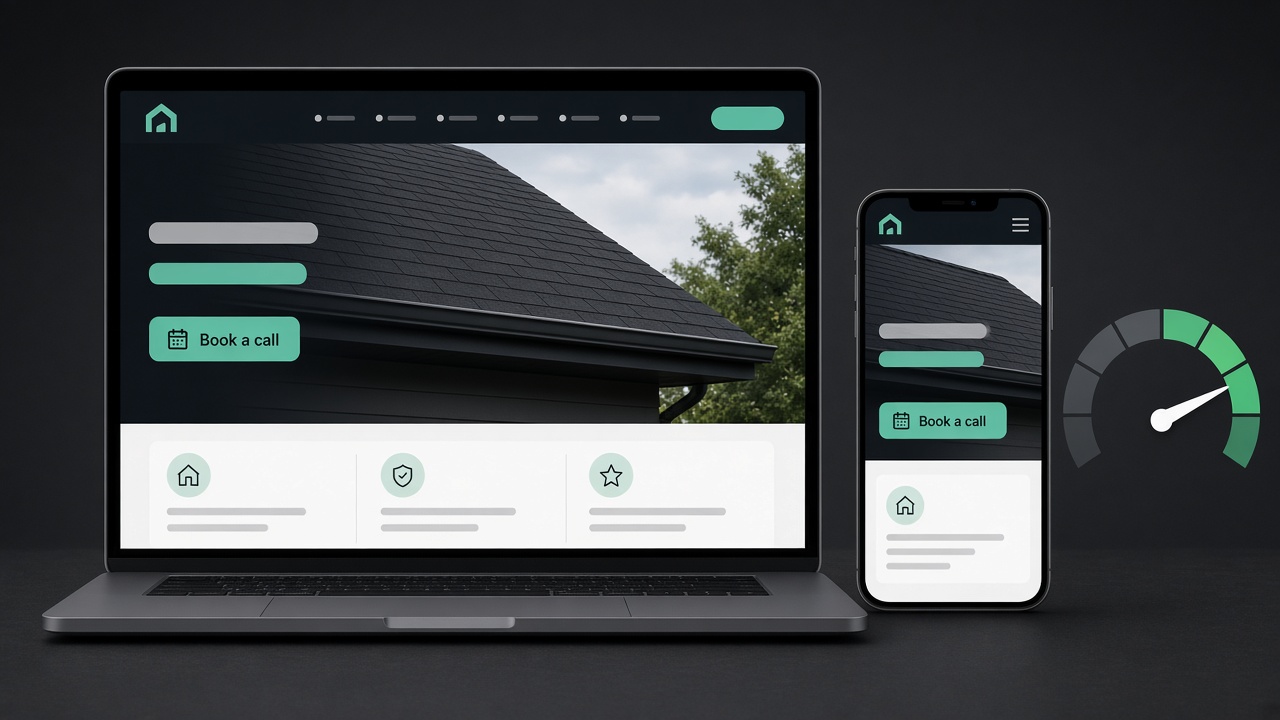
The short answer: Your website has one job: turn visitors into calls and booked estimates. To do that it has to be beautiful, meaning it looks like a real, trustworthy local company with real job photos, reviews and one clear next step. And it has to be fast, meaning the main content shows up quickly on a phone, buttons respond right away, and nothing jumps around. Miss either one and you pay for visitors who leave without calling.
Most contractor sites get one of these right. Some look great but take ages to load on a phone in a driveway. Others load fast but look like a template nobody touched since 2014. Homeowners notice both.
This guide covers what "beautiful" and "fast" actually mean for a roofing, solar, HVAC, plumbing or remodeling business, a checklist you can run today, and how to test your site for free.
Why you need both
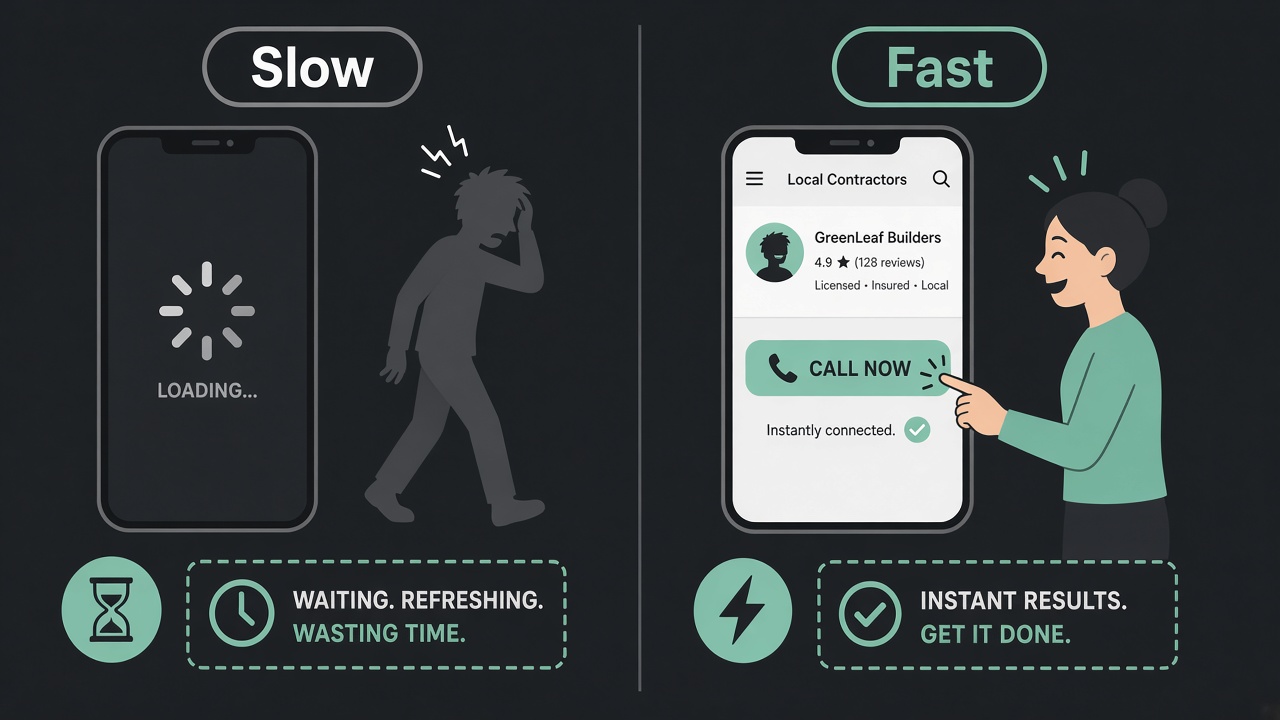
Think about how a homeowner finds you. Their roof is leaking, or the AC quit in July. They search on their phone, tap a few results, and decide in seconds who looks legit.
A slow site loses them before they see anything. A fast site that looks cheap or generic loses them right after. Either way, they call the next company.
Speed also matters for search. Google says good Core Web Vitals line up with what its core ranking systems seek to reward, and it highly recommends site owners achieve them (Google Search Central). Speed won't outrank relevance and reviews on its own, but it's one thing you fully control.
That's why we treat the website as part of the whole system, not a brochure. If you want the bigger picture, see how it fits into our growth system.
What "beautiful" means for a contractor website
Beautiful doesn't mean fancy animations or a big video background. For a trades business, beautiful means trustworthy and easy to act on. Here's what that looks like.
1. Real photos of real jobs
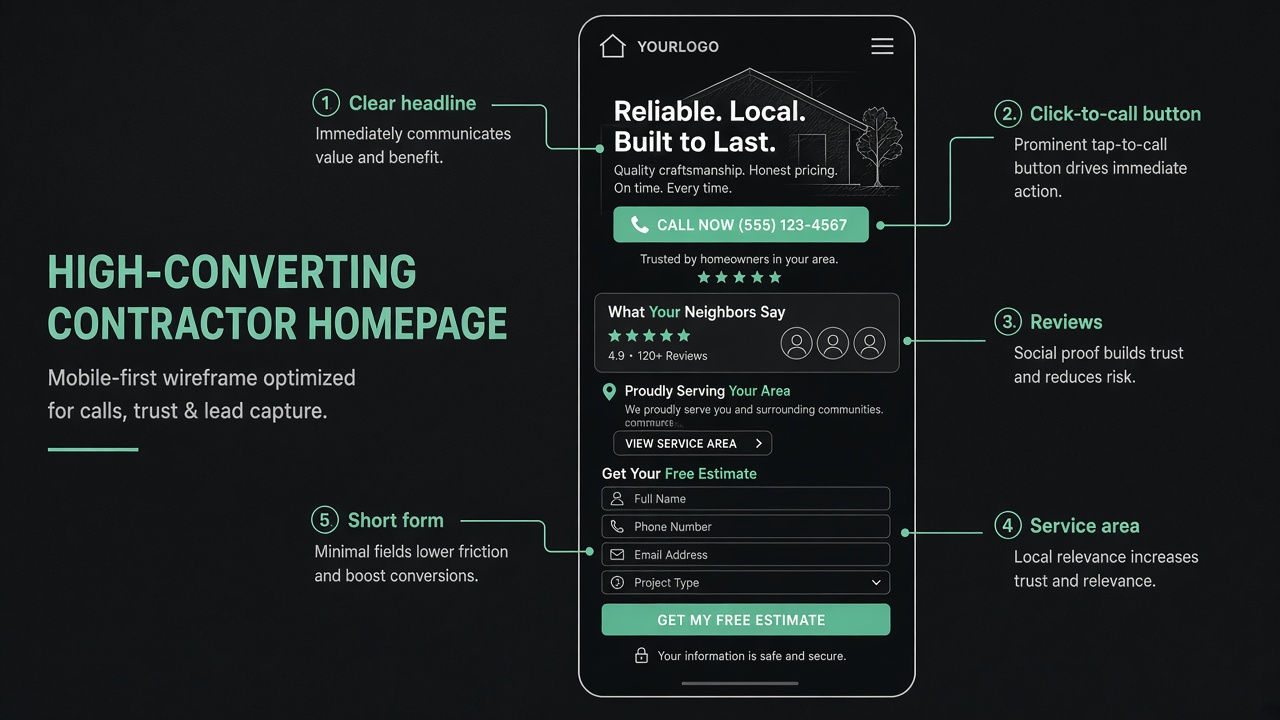
Stock photos of smiling models in clean hard hats don't build trust. Photos of your crew, your trucks and your finished roofs, systems and bathrooms do. Before-and-after shots work especially well.
Use a few strong photos, not fifty. Pick the clearest ones, crop them tight, and put the best one at the top of the homepage.
2. One clear call to action
Decide the one thing you want visitors to do: call, request an estimate, or book an inspection. Put that button in the header and near the top of the page, and repeat it after every main section.
On a phone, the phone number should be tap-to-call. If someone has to copy and paste your number, you've lost them.
3. Reviews where people decide
Don't hide reviews on a separate page. Put a few real reviews, with first names and towns, right next to your main button. Link to your Google reviews so people can check them. Your local SEO work and your website should point to the same reviews.
4. Proof you're a real local company
Show your service area by name, your license numbers, warranty terms, insurance, and any manufacturer certifications. Add your address or service area map. Homeowners are letting you into their house. Make it easy to trust you.
5. Clean, simple layout
Lots of white space, big readable text, your brand colors used consistently, and short sections. Each section answers one question: what do you do, where, why you, what do others say, and what's next.
What "fast" means, in plain words
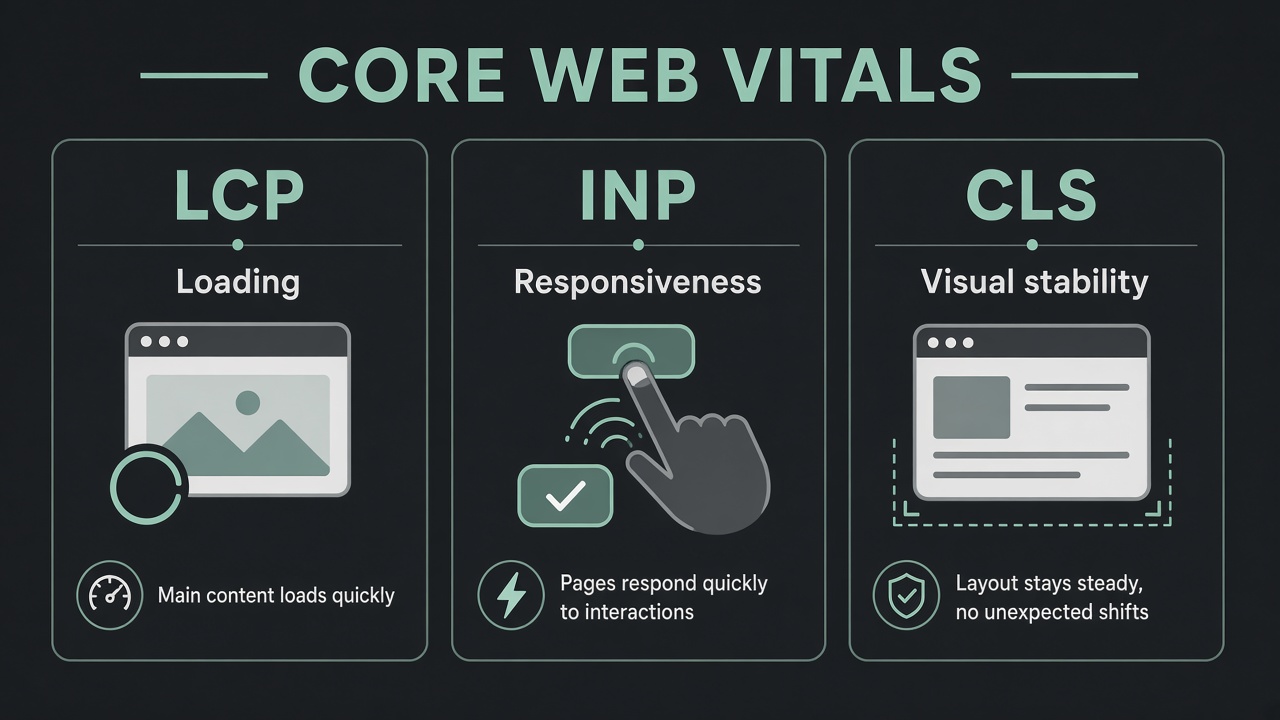
Google measures real-world speed with three numbers called Core Web Vitals. Here's what each one means for your visitor, with Google's "good" thresholds (web.dev):
- Largest Contentful Paint (LCP): does the main thing show up quickly?** This is usually your hero photo or headline. Good is within 2.5 seconds of the page starting to load.
- Interaction to Next Paint (INP): does the page respond when I tap?** When someone taps "Get a quote" or opens the menu, something should happen right away. Good is 200 milliseconds or less.
- Cumulative Layout Shift (CLS): does stuff jump around?** You go to tap "Call" and an image loads and pushes the button down, so you tap the wrong thing. Good is 0.1 or less.
Google checks these at the 75th percentile of real visits, split by mobile and desktop (web.dev). In plain words: most of your visitors need a good experience, not just the ones on fast Wi-Fi.
The usual reasons contractor sites are slow
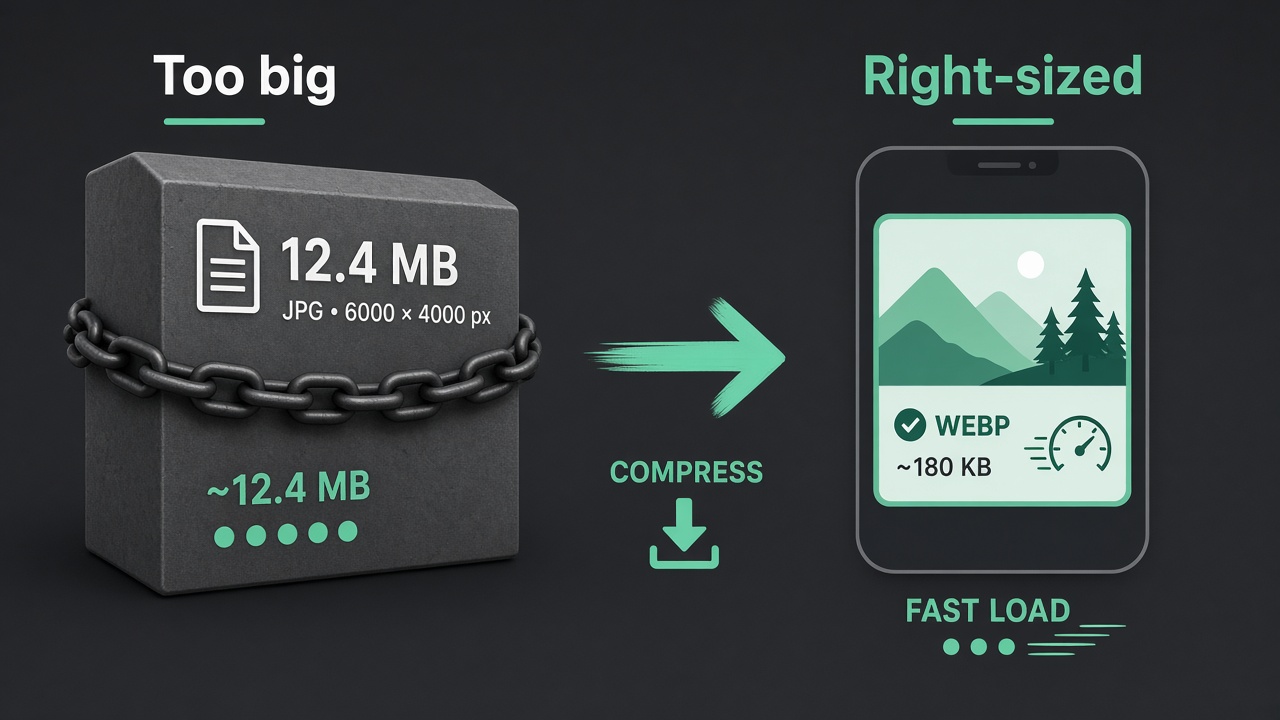
- Huge photos.** A photo straight off a phone or camera can be many times larger than what a screen needs. This is the most common problem we see.
- Too many plugins and widgets.** Chat bubbles, review sliders, popups, tracking scripts and page builders all add weight.
- Cheap or overloaded hosting.** If the server is slow to respond, everything else waits.
- Fonts and scripts that block the page.** The browser waits for them before showing anything.
- Images without set sizes.** This is what makes the page jump while loading.
Fix images first
Images are usually the biggest, easiest win:
- Resize photos to the largest size they'll actually show at. A hero image rarely needs to be wider than about 2,000 pixels, and a gallery thumbnail much less.
- Save them in a modern format like WebP.
- Lazy-load images below the first screen, so they only load when someone scrolls to them. Don't lazy-load the main hero image.
- Set a width and height on every image so the page doesn't jump.
Design for the phone first
Most homeowners in an emergency are on their phone. Check your site on an actual phone, on mobile data, not just on your office computer. Is the number tappable? Is the button visible without scrolling? Can you read the text without zooming? Does the form work with thumbs?
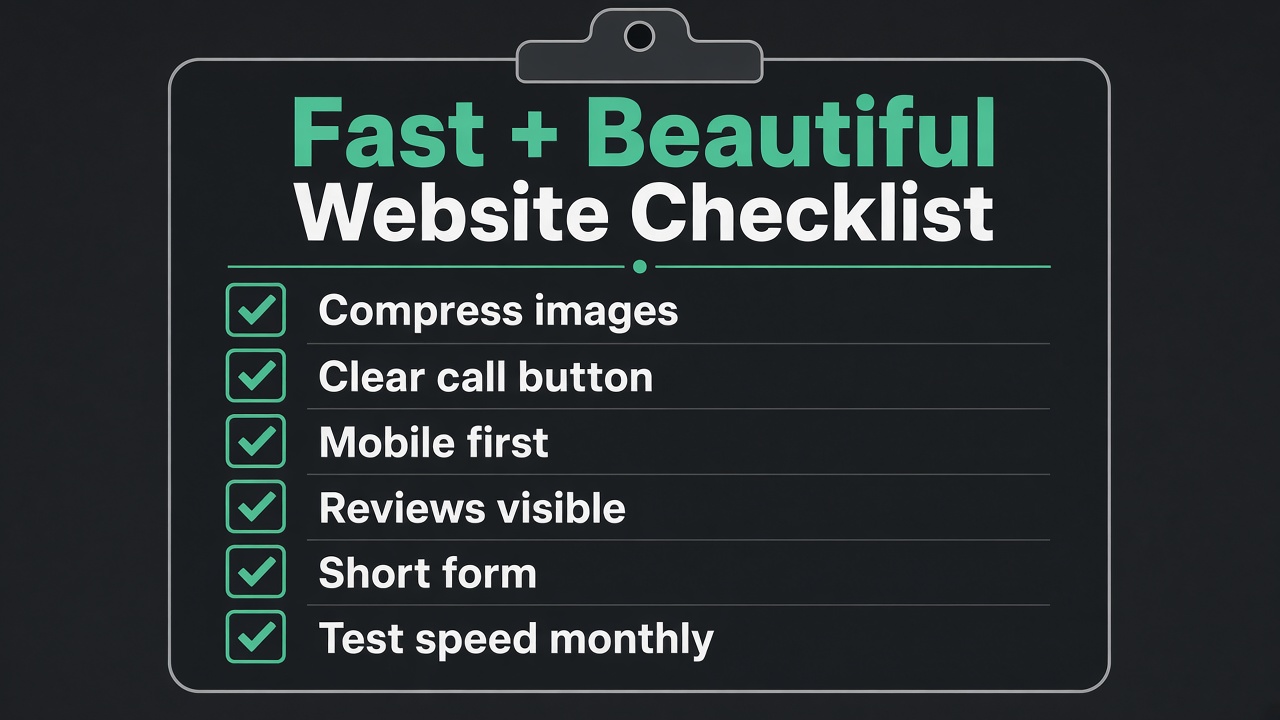
The beautiful + fast website checklist
Run through this on your own site today:
- Phone number and main button visible at the top, on mobile and desktop
- Phone number is tap-to-call
- Hero image is a real photo of your work, not stock
- A few real reviews sit next to the main button
- Service area named on the homepage
- License, insurance and warranty info easy to find
- One clear offer (free inspection, estimate, consult)
- Form asks only for what you need: name, phone, address or ZIP, what they need
- Photos resized and saved as WebP
- Images have set width and height
- No popups covering the page on mobile
- Unused plugins, sliders and scripts removed
- PageSpeed Insights mobile test passes Core Web Vitals, or you know what's failing
- Every form and button tested on a real phone
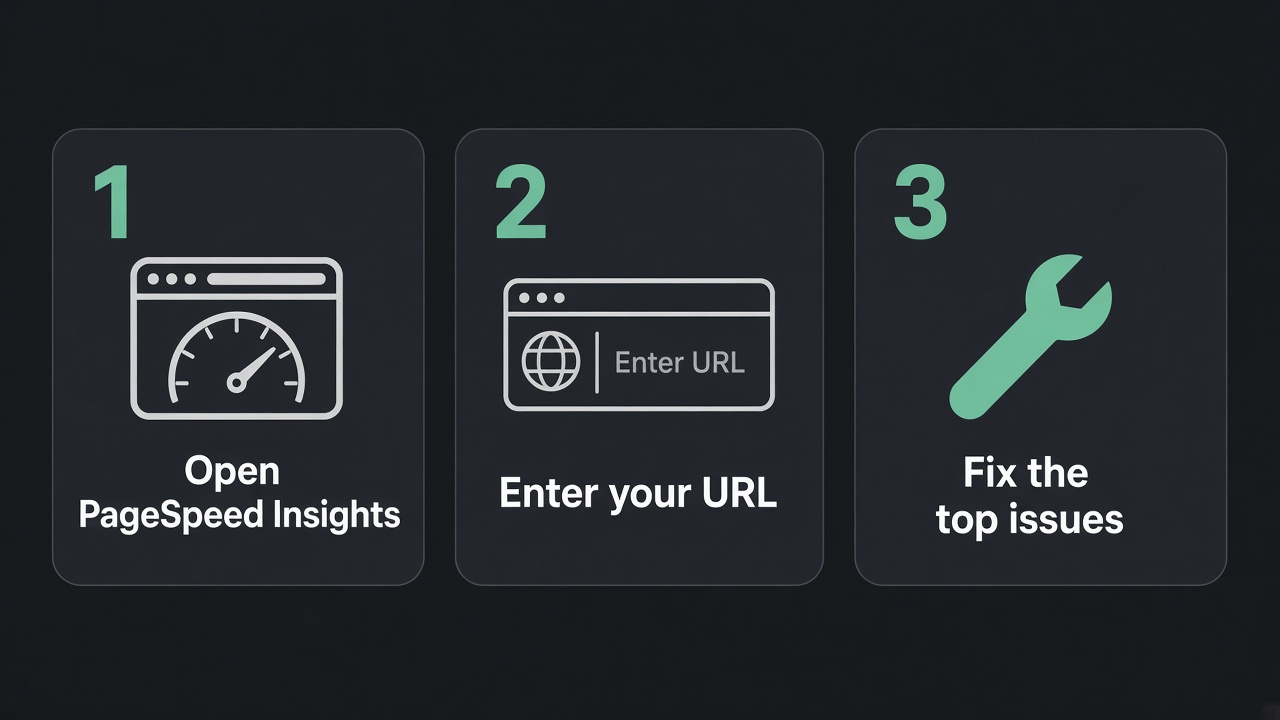
How to test your site with PageSpeed Insights
PageSpeed Insights is Google's free tool. It uses the same real-user data as Search Console's Core Web Vitals report (web.dev). Here's how to use it without getting lost:
- Go to pagespeed.web.dev and paste your homepage URL.** Then test your most important service page too.
- Check the Mobile tab first.** Mobile scores are usually lower, and that's where most homeowners are.
- Read the top section first: "Discover what your real users are experiencing."** This is field data from real visitors. If your site doesn't get enough traffic, you won't see it, and that's normal for many local businesses.
- Then look at the lab score and "Diagnose performance issues."** The lab test is a simulation. It's useful for finding problems, but don't obsess over a single score; it moves a few points between runs.
- Fix the top two or three issues, then test again.** Common ones: "Properly size images," "Serve images in next-gen formats," "Eliminate render-blocking resources," and "Image elements do not have explicit width and height."
Note: the lab test can't measure INP because nobody is tapping the page. It shows Total Blocking Time instead, which works as a stand-in (web.dev).
For ongoing tracking, check the Core Web Vitals report in Google Search Console once a month.
Beautiful and fast still need a next step
A great site that books nothing is still a cost. Once someone fills out your form or calls, the speed of your follow-up matters as much as the speed of your page. Missed calls should get a text back. Form leads should get a reply within minutes, not tomorrow.
That's the part most website builders skip. We build contractor websites as one piece of a system that also covers local SEO, ads and follow-up. If you want to know how we work before talking to us, read what to expect.
FAQ
Does website speed really affect my Google ranking?
It's one signal among many. Google says good Core Web Vitals align with what its core ranking systems reward (Google Search Central). Relevance, reviews and your Google Business Profile still matter more for local results. But speed also affects whether visitors stay and call, which matters no matter where you rank.
What's a good PageSpeed score for a contractor website?
Focus on passing Core Web Vitals on mobile rather than chasing 100. The thresholds are LCP within 2.5 seconds, INP of 200 milliseconds or less, and CLS of 0.1 or less (web.dev).
Can a website be beautiful and fast at the same time?
Yes. Most "beautiful" problems are really heavy-photo or too-many-plugins problems. Real job photos, resized and saved as WebP, look great and load fast.
Is my website builder the problem?
Sometimes. Heavy page builders and stacks of plugins slow sites down. Before rebuilding, run PageSpeed Insights and fix images and unused plugins. If it's still failing on mobile, a rebuild may be worth it.
How often should I test my site?
Test after every change to the design, plugins or photos, and check Search Console's Core Web Vitals report monthly.
Want a second set of eyes on your site?
Book a free growth call. We'll look at your website on a phone, run it through PageSpeed Insights with you, and tell you the first few things to fix so it looks right, loads fast and books more jobs. No obligation, no generic pitch.
Sources
- web.dev, "Web Vitals" (Core Web Vitals definitions, thresholds, 75th percentile, tools, INP/TBT note): https://web.dev/articles/vitals
- Google Search Central, "Understanding Core Web Vitals and Google search results": https://developers.google.com/search/docs/appearance/core-web-vitals